Entity Management
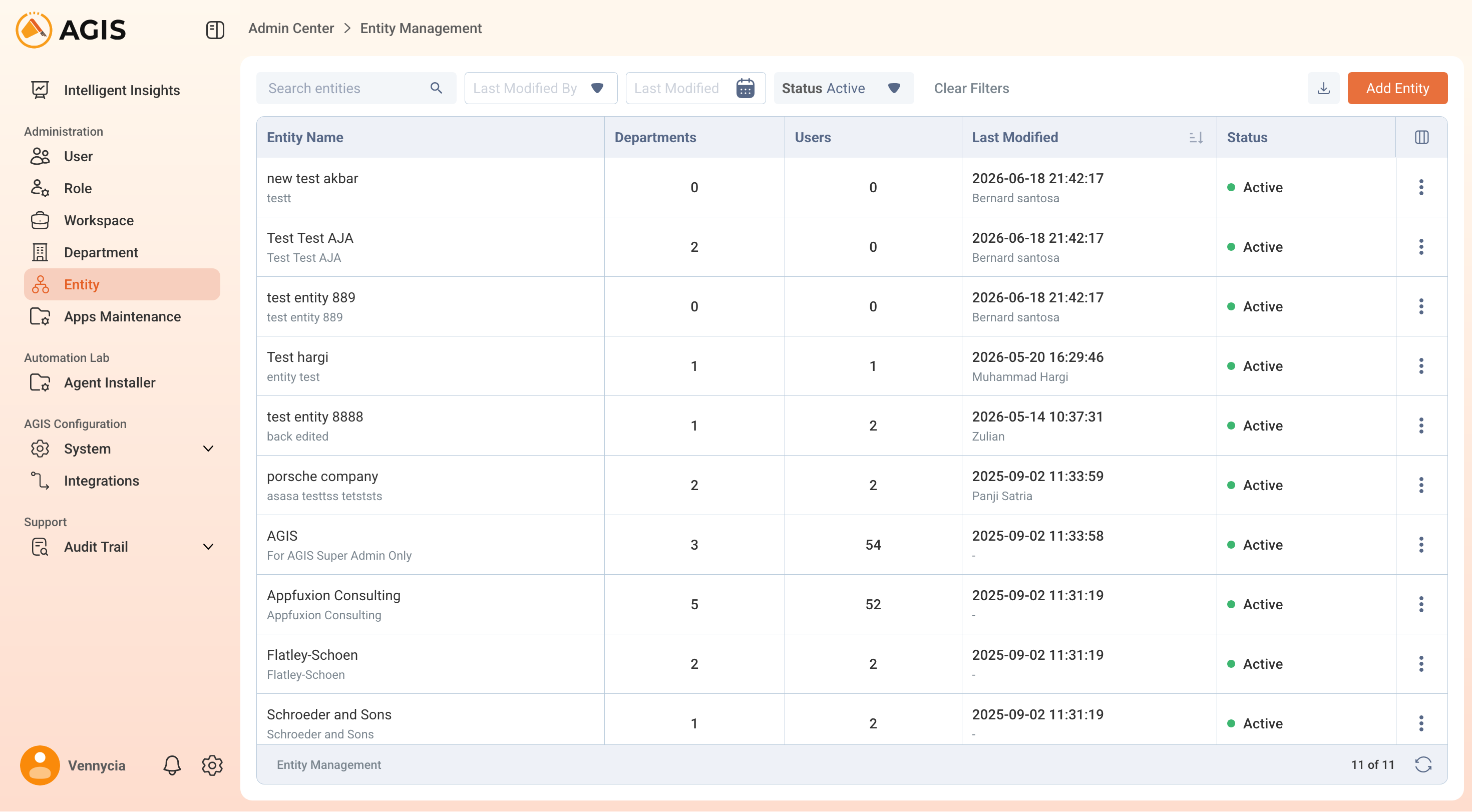
Entity Management can be found in the Admin Center, under Administration. Entity Management serves as a centralized hub which allows users with an Admin role and View Entity permission to manage entities in AGIS.
Search, Filtering, and Sorting
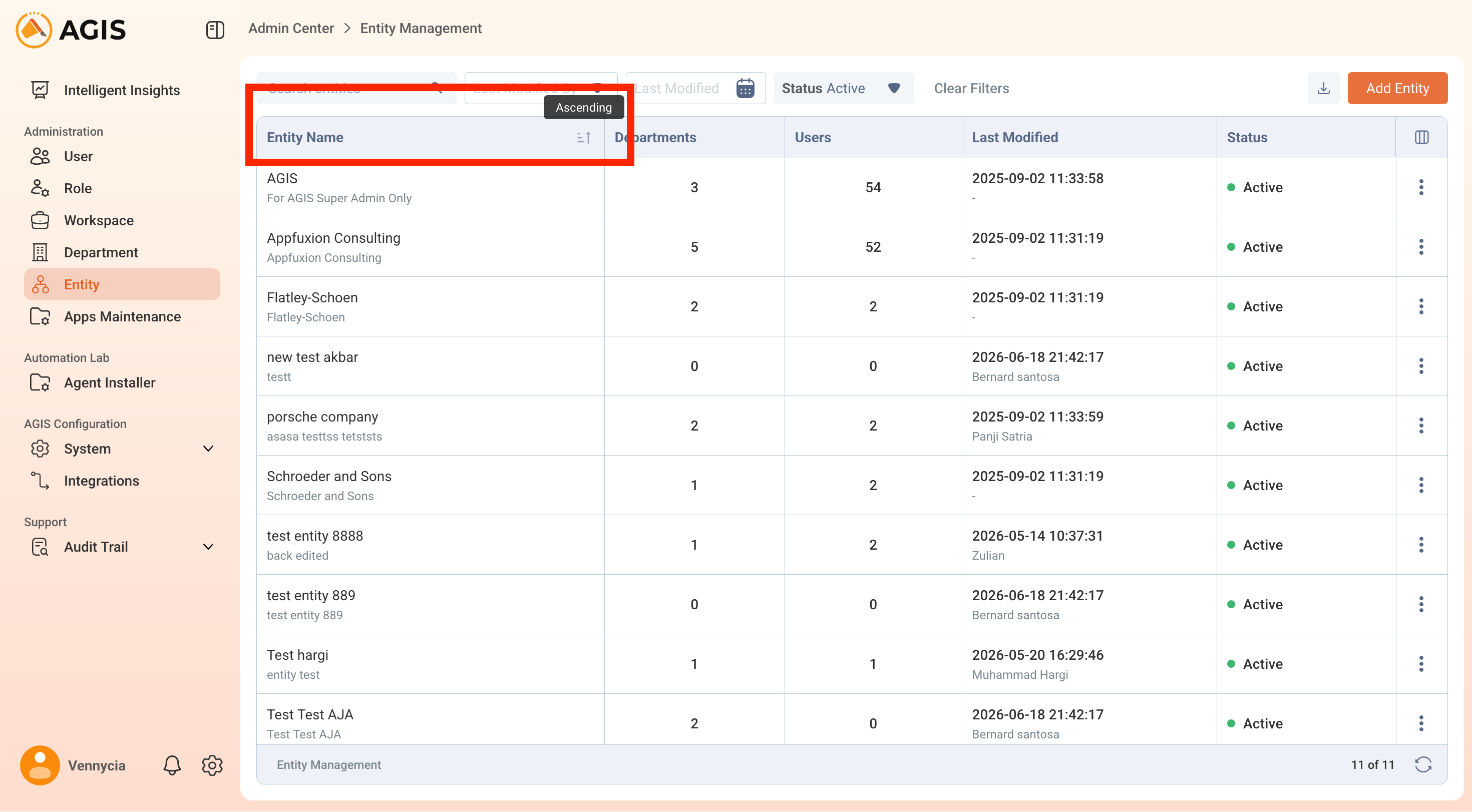
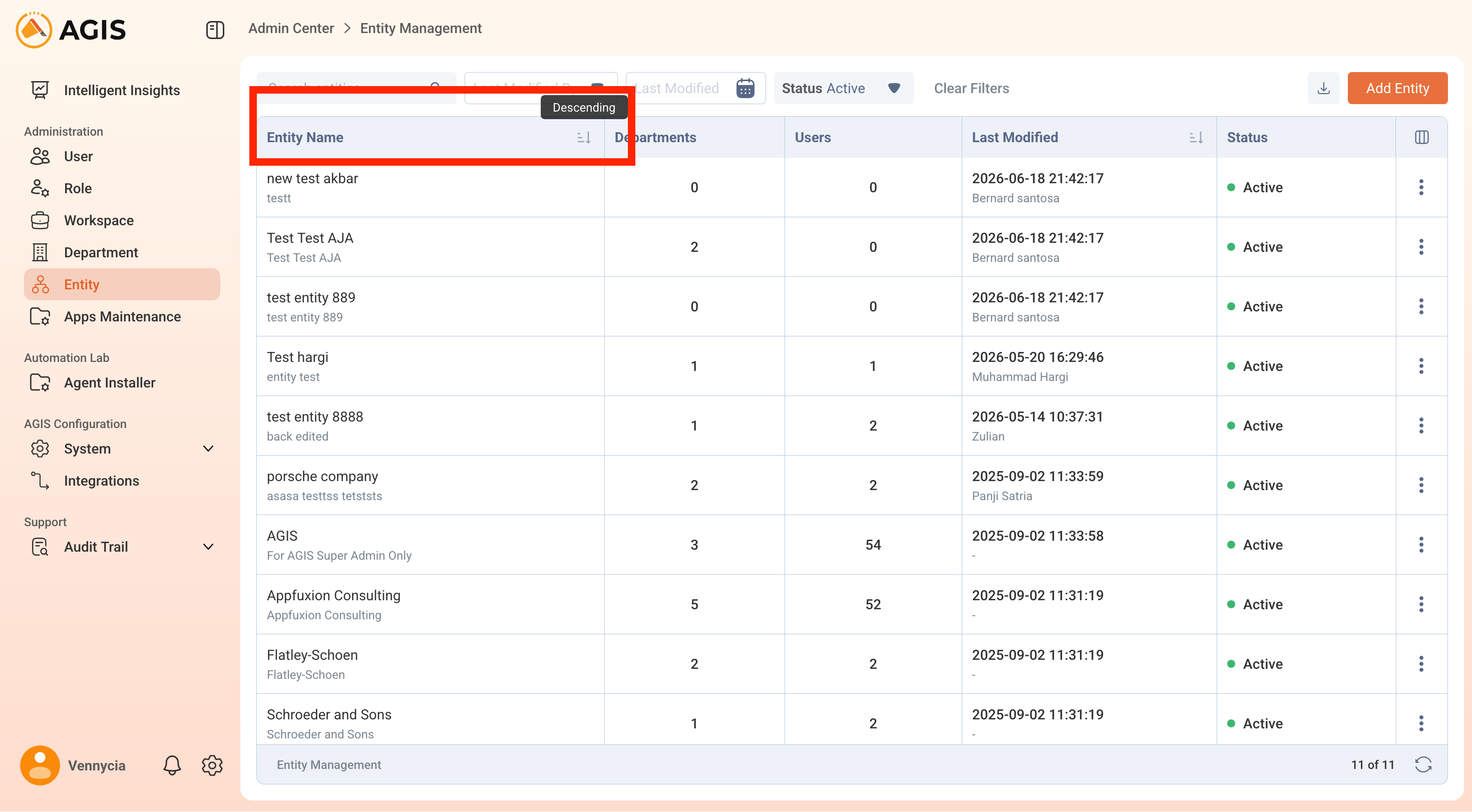
Entity Management features search, filtering, and sorting controls. Users will be able to do keyword-based lookup, filtering based on last modified by, last modified, and status, and sorting in ascending or descending order.
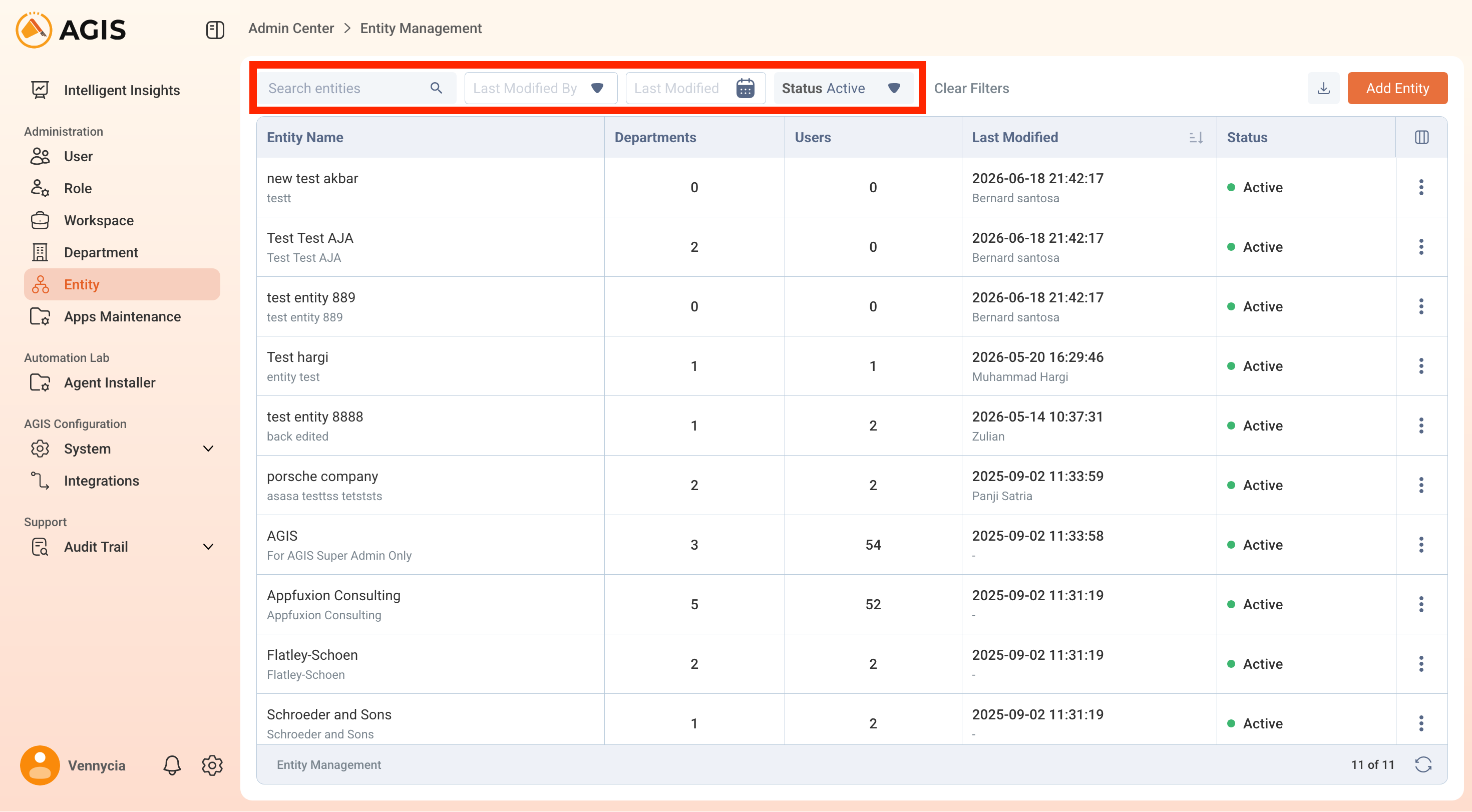
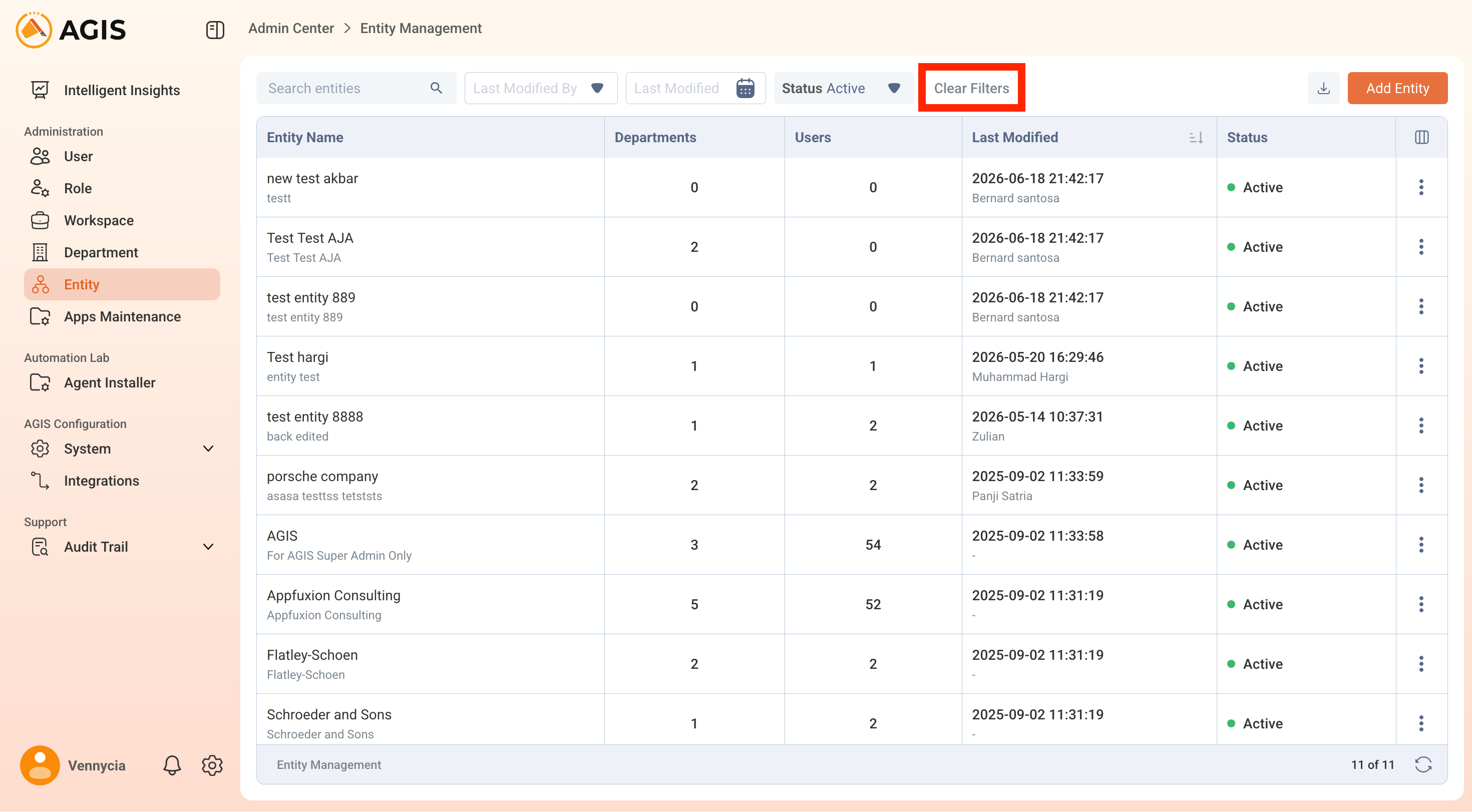
Clear Filters will clear any search done and filters applied.
Clicking on the table headers allows for sorting in an ascending or descending order.
Downloading Entities List
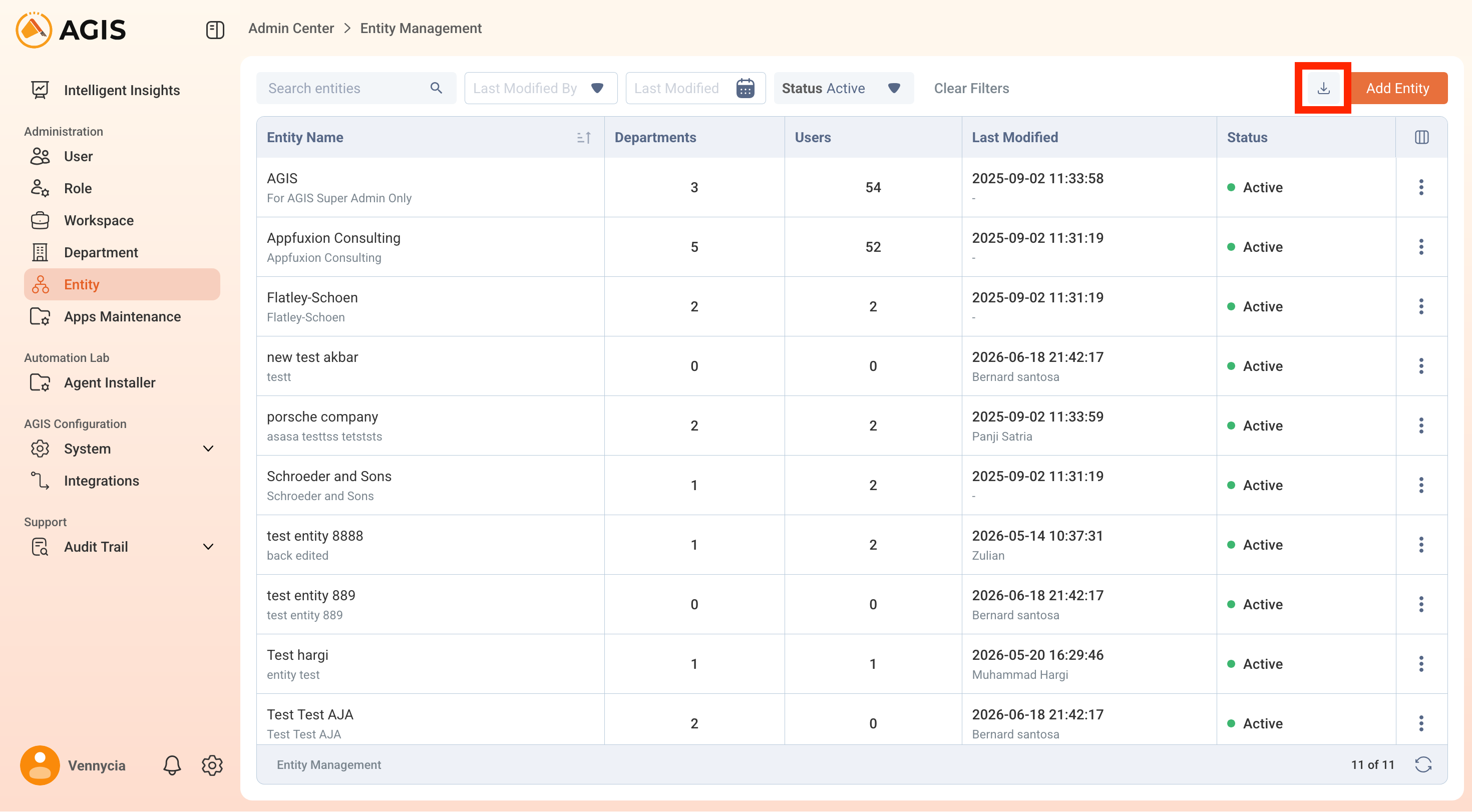
On the right-side of the screen, a download button can be found. Downloads the whole list of entities in .csv format.
View Details
View Details can be accessed by clicking on the three-dots menu of an entity regardless of its status. Shows the details of an entity and departments linked to the selected entity.
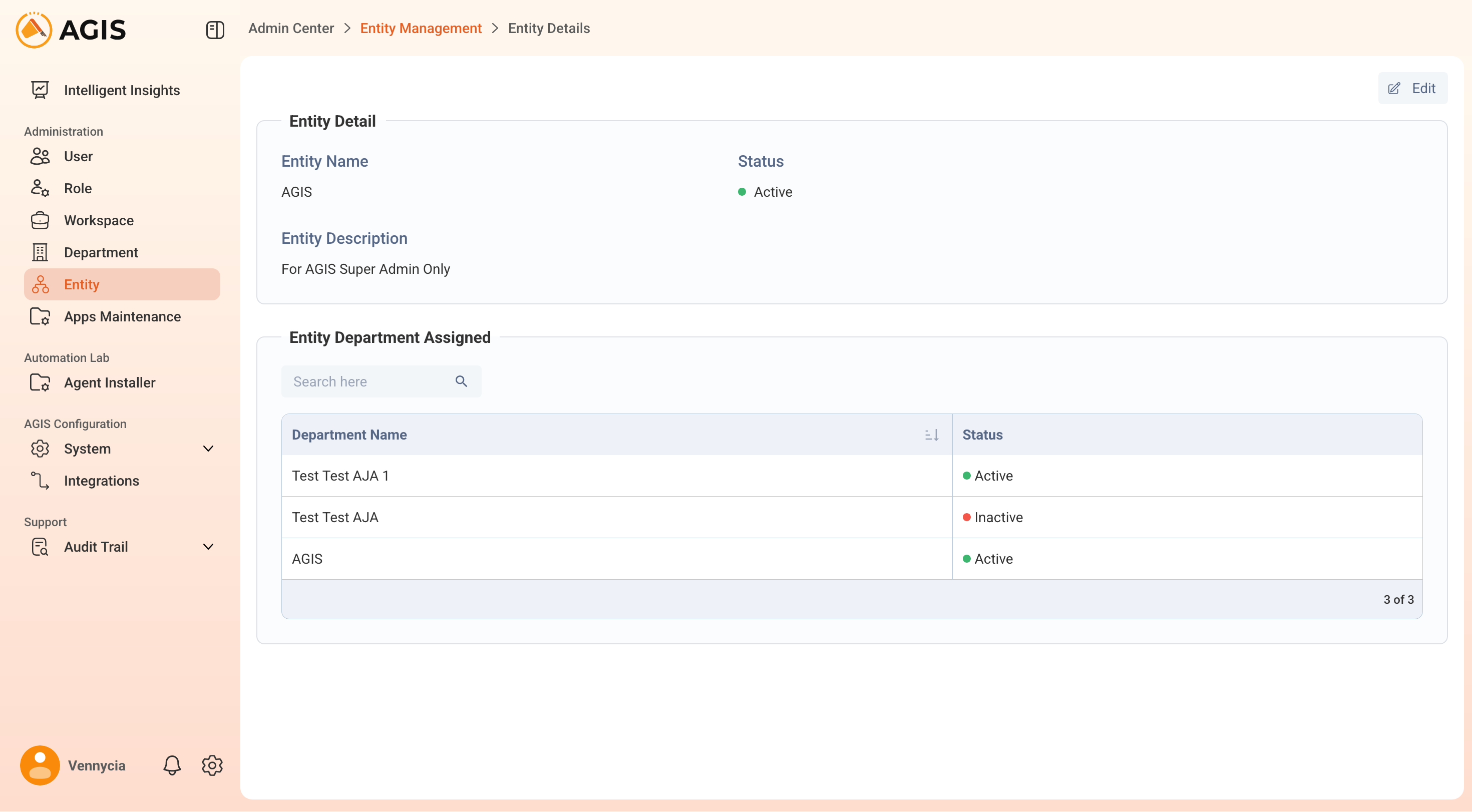
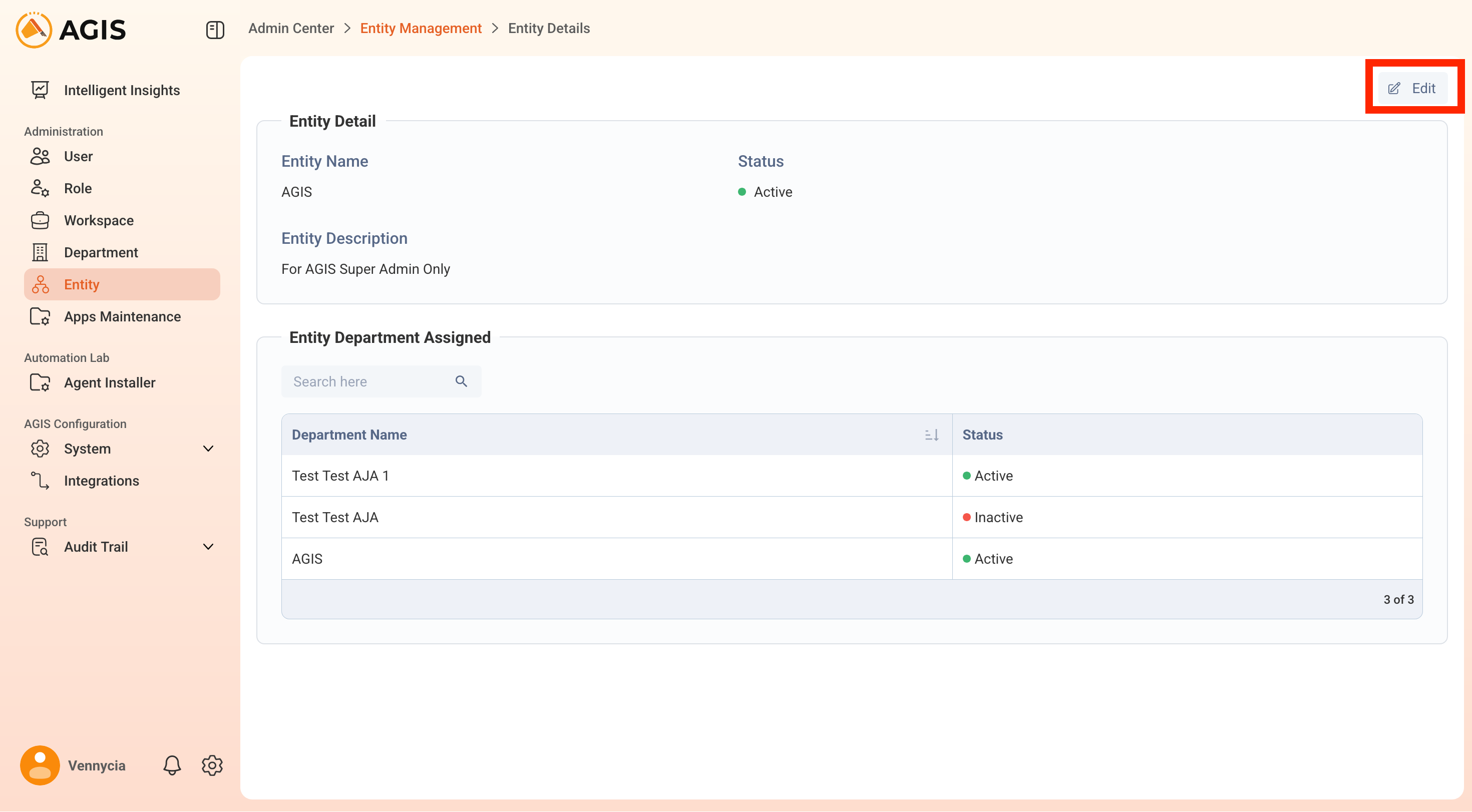
Details of an entity can be edited by clicking on the Edit button.
Deactivating an Entity
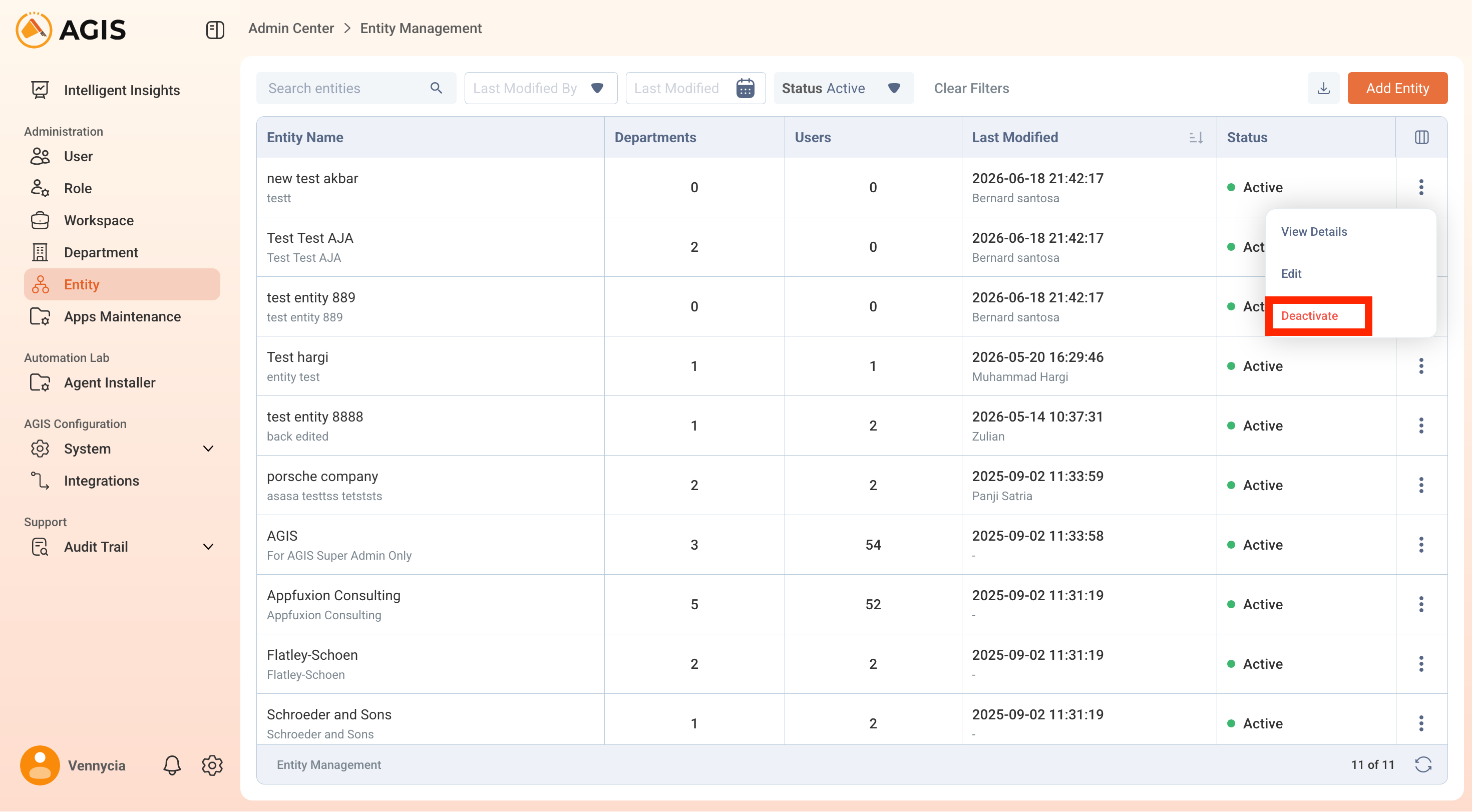
Deactivate can be accessed by clicking on the three-dots menu of an entity with the Active status.
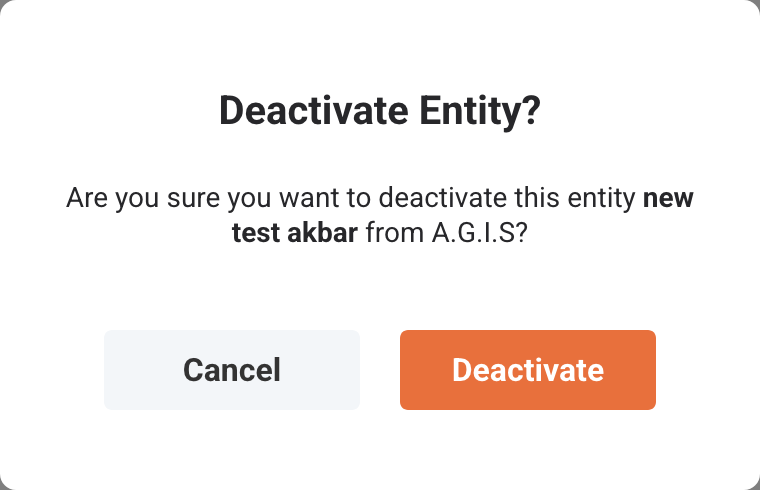
Deactivates the selected entity.
Users will be prompted to confirm their choice.
Activating an Entity
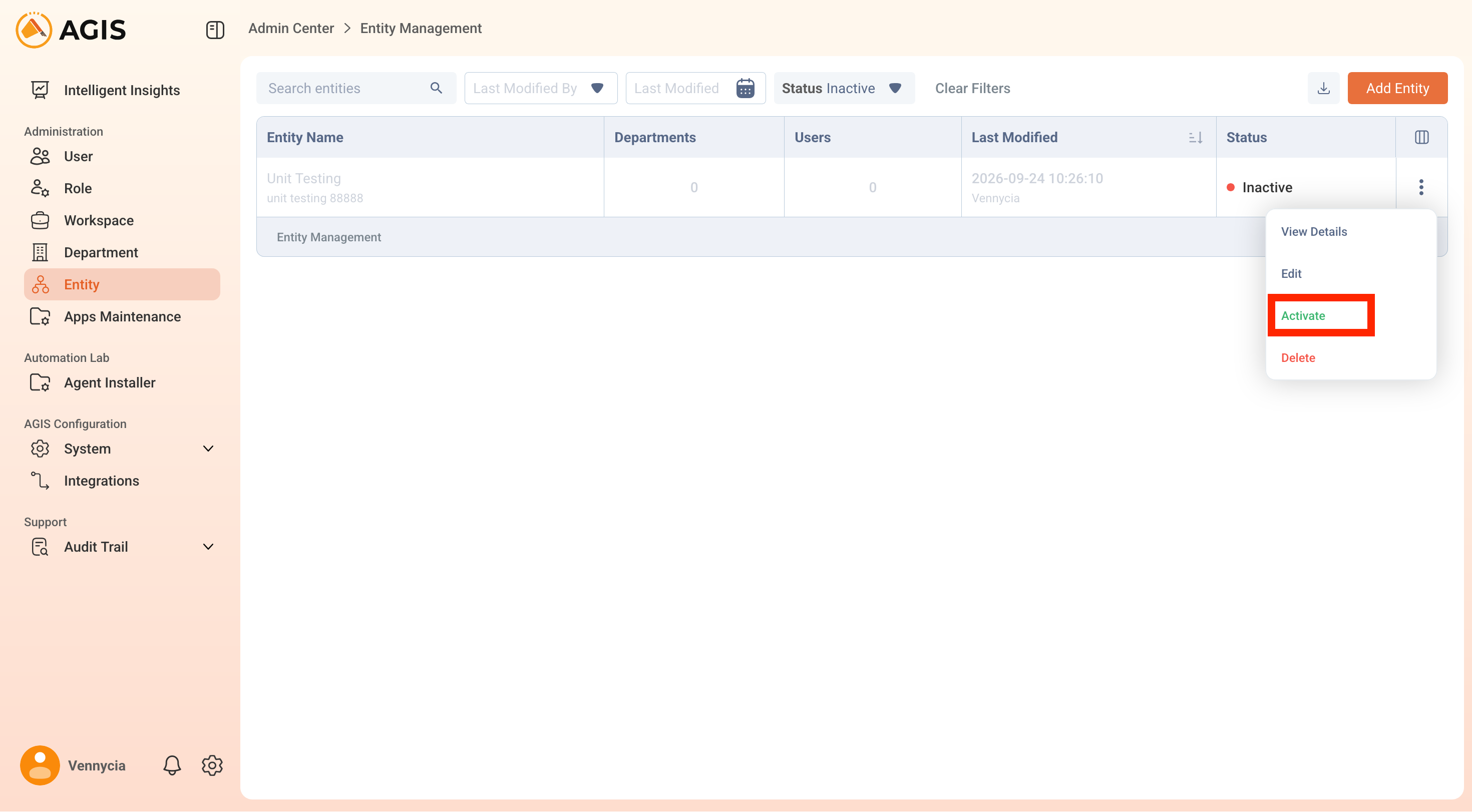
Activate can ba accessed by clicking on the three-dots menu of an entity with the Inactive status.
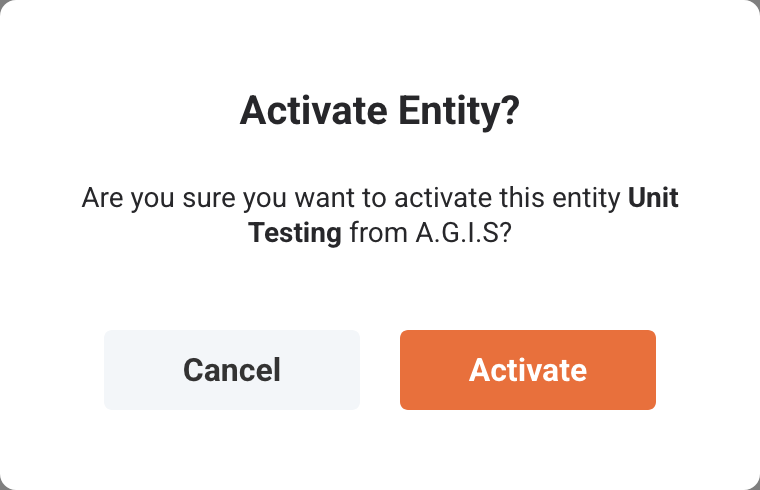
Reactivates a previously deactivated entity.
Users will be prompted to confirm their choice.
Deleting an Entity
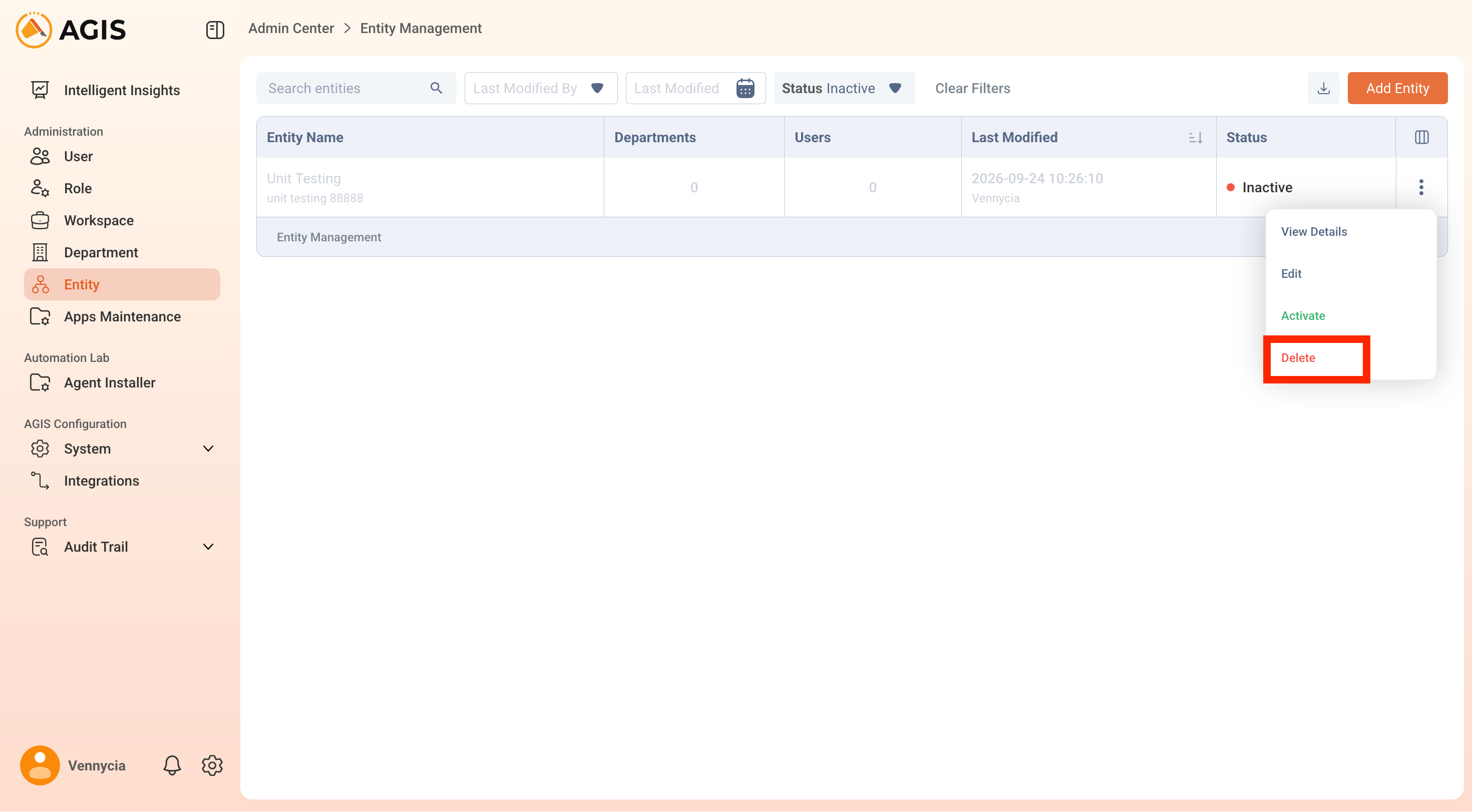
Delete can be accessed by clicking on the three-dots menu of an entity with the Inactive status.
Users must have an Admin role with the Delete Entity permission to delete an entity.
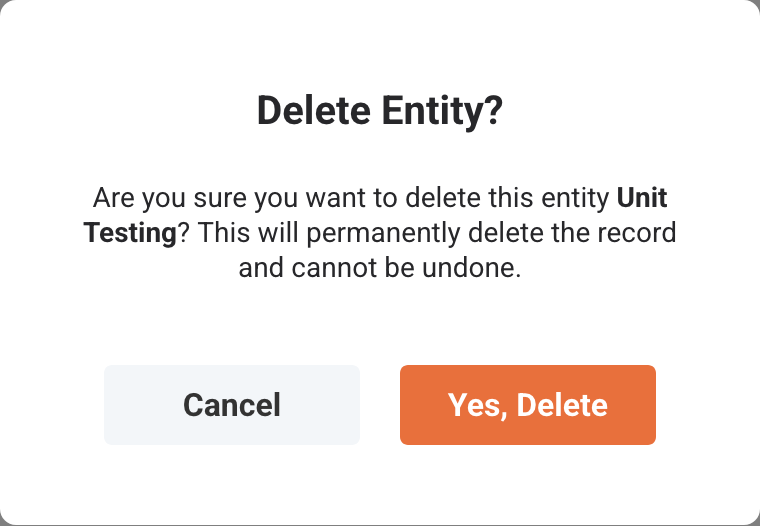
Permanently deletes the entity from AGIS.
Users will be prompted to confirm their choice.